Clean Up the Photo
Straighten it, correct the colour, remove the distractions.
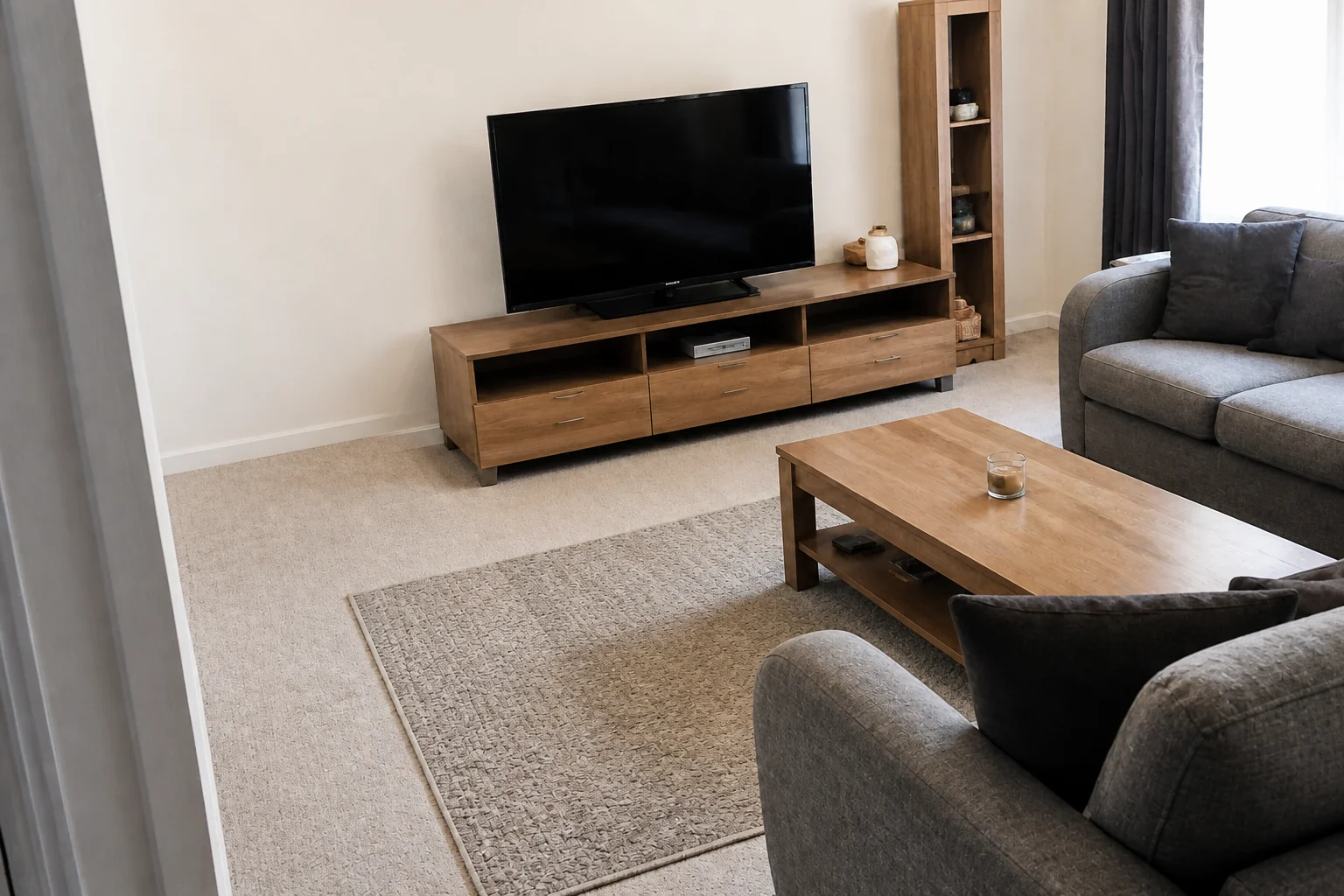 BeforeAfter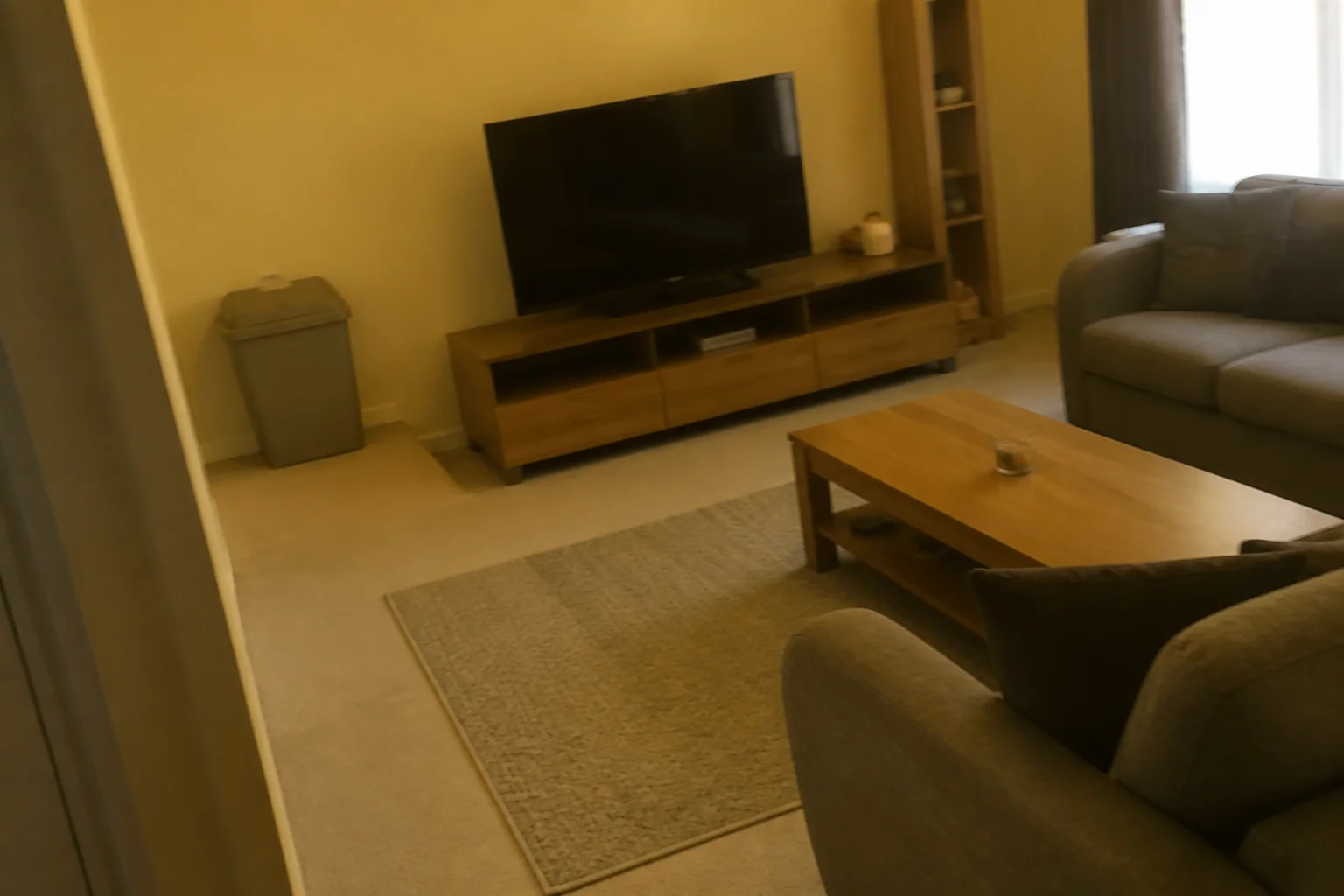
What it does
Phone photos of interiors lean, go yellow under artificial light, and always have a bin or a cable in the corner. This does the three corrections at once, which matters most on the before photo — every downstream render inherits whatever the input got wrong.
How to use it
- 1Upload the photo straight from the phone.
- 2Run it first, before any remodel tool.
- 3Check the verticals in the result before continuing.
Questions
- Does it change the room?
- It is aimed only at the loose clutter. Compare the result against your photo before using it.
- Why do my walls lean?
- Phone lenses at close range. This corrects it, but standing further back helps more.