Remodel a Room
Photograph the room, choose a direction, see it remodelled.
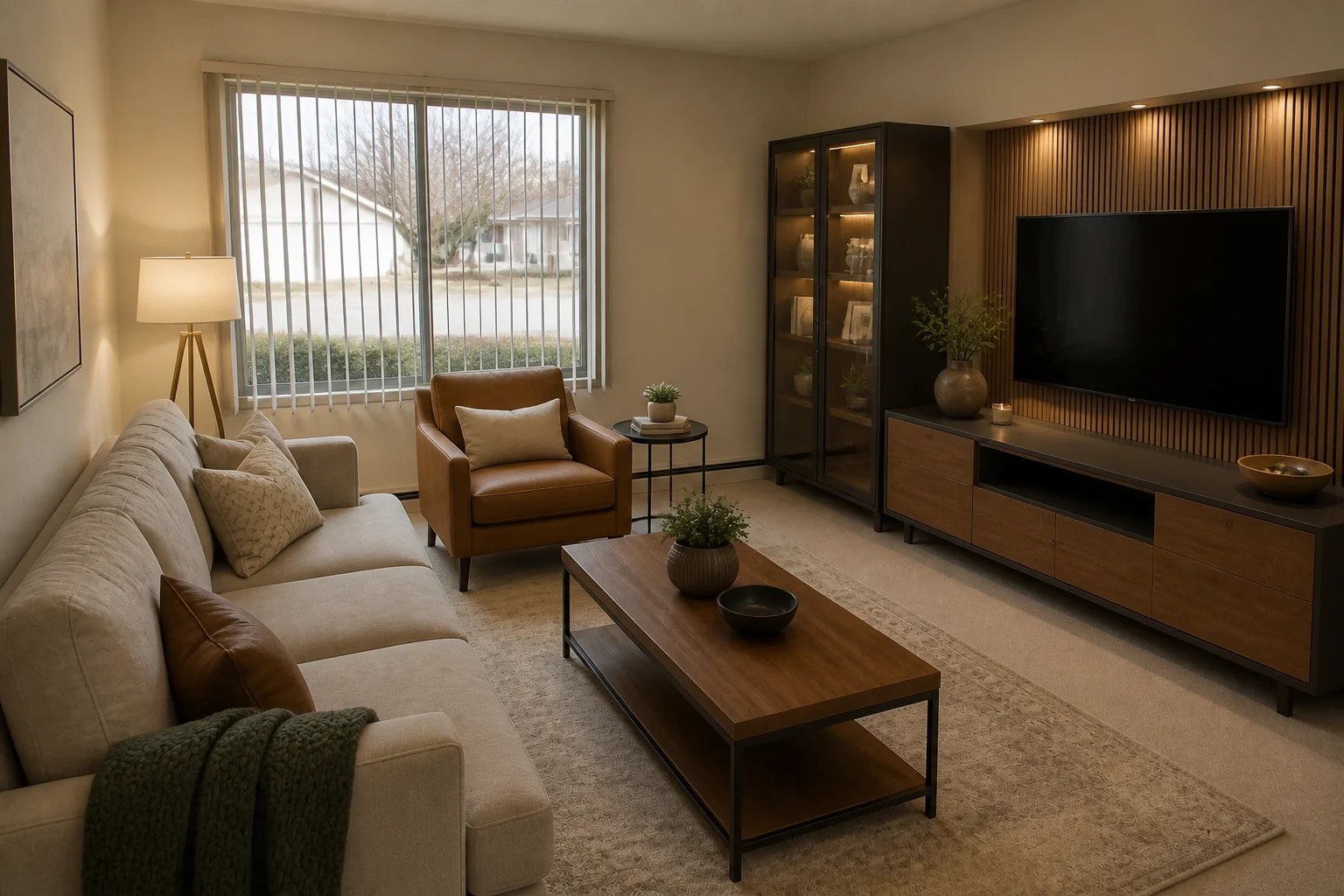 BeforeAfter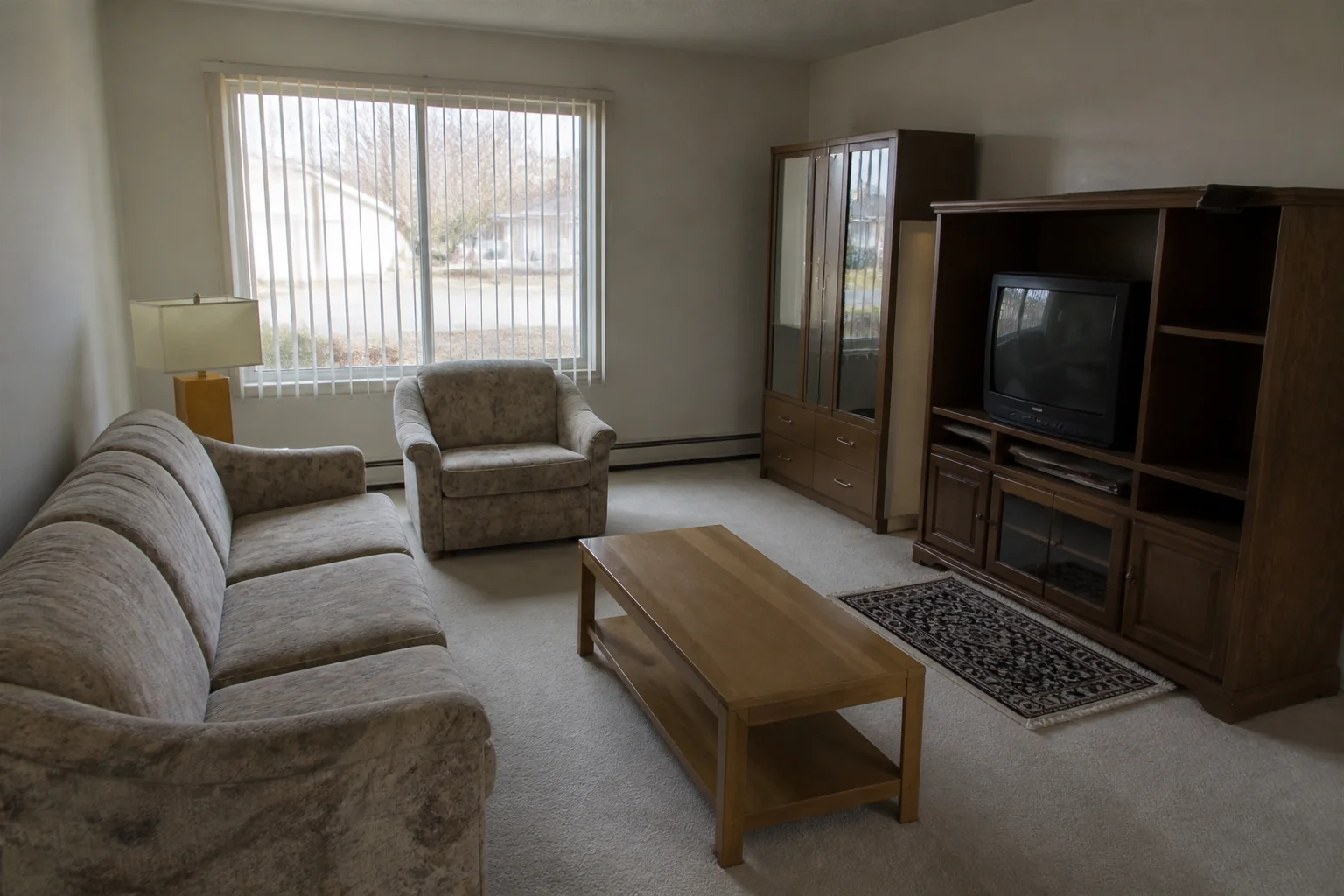
What it does
This is the tool most remodels start with. It changes what you would change on site — surfaces, cabinetry, fittings, furniture — and is briefed to work within the shell in your photo, so what comes back reads as your room after the work rather than a different room.
How to use it
- 1Photograph the room from a corner, with as much of it in frame as you can.
- 2Pick the project type and a style.
- 3Add anything that has to survive the remodel in the notes.
Questions
- Does it move walls or windows?
- It is asked to work within the room's existing openings and camera angle. If you want a wall gone, use the Open Concept tool instead.
- Can I keep specific things?
- Name them in the notes — the more specific you are, the closer the result. Check the render before you rely on it.